Most tools help you do the work. This one keeps the context.
One local workspace for terminal, notes, and AI. Everything persists. Nothing gets lost between sessions.
"I was tired of rebuilding context every morning. So I built a workspace where terminal, notes, and AI stay together."
One-time purchase - €29
The real problem
You keep losing technical context
The problem is not taking notes. The problem is that your terminal, your notes, your reasoning, and your AI live in different places. Every context switch costs you time and focus.
- You close a terminal and lose the commands that fixed a production bug
- Your notes about a session live in a different app than the session itself
- You spend 10 minutes rebuilding context every time you resume work
- Snippets, logs, decisions, and reasoning are scattered across 5 tools
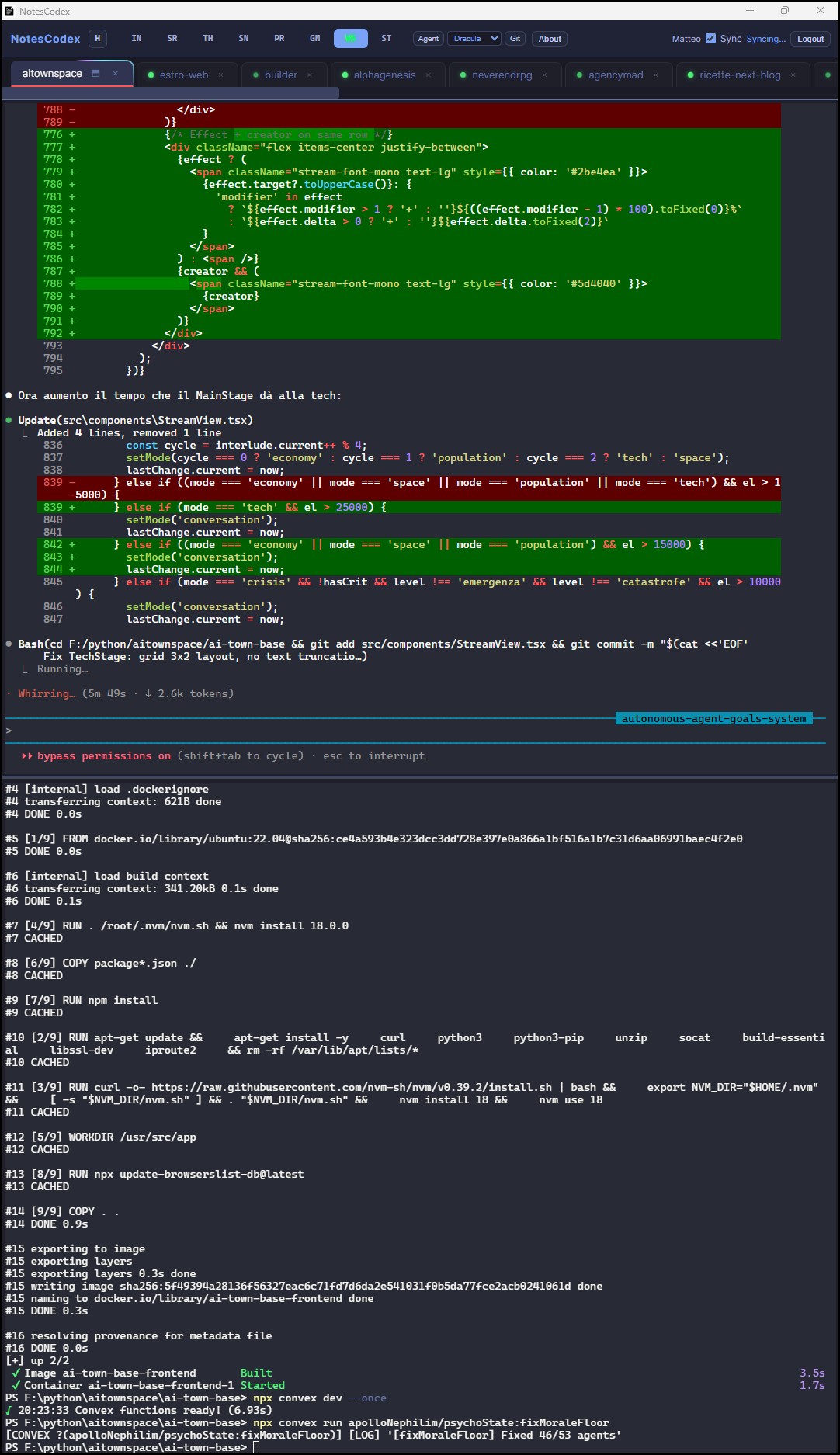
- Terminal sessions persist across restarts, tabs, splits, paths, colors, groups
- Notes and terminal live in the same window, connected by AI
- Resume any session exactly where you left off, zero daily setup
- One local workspace for commands, notes, AI reasoning, and technical memory
Resume sessions without rebuilding context
Keep notes attached to real terminal work
Search your technical thinking, not just files
Use AI on local context, nothing leaves your machine
Real workflows
Where NotesCodex fits in your day
Not a tool you open once a week. A workspace you keep open all day.
You are investigating a production bug. Terminal output, log analysis, hypothesis notes, and fix attempts all happen in the same window. Close the app, come back tomorrow, everything is there.
New project, unfamiliar code. You run commands, read files, take notes on architecture. The AI tags and connects your notes as you go. In a week, you have a navigable map of the codebase.
A refactor spans days. Decisions, trade-offs, and reasoning sit next to the terminal where you test them. Nothing gets lost between sessions.
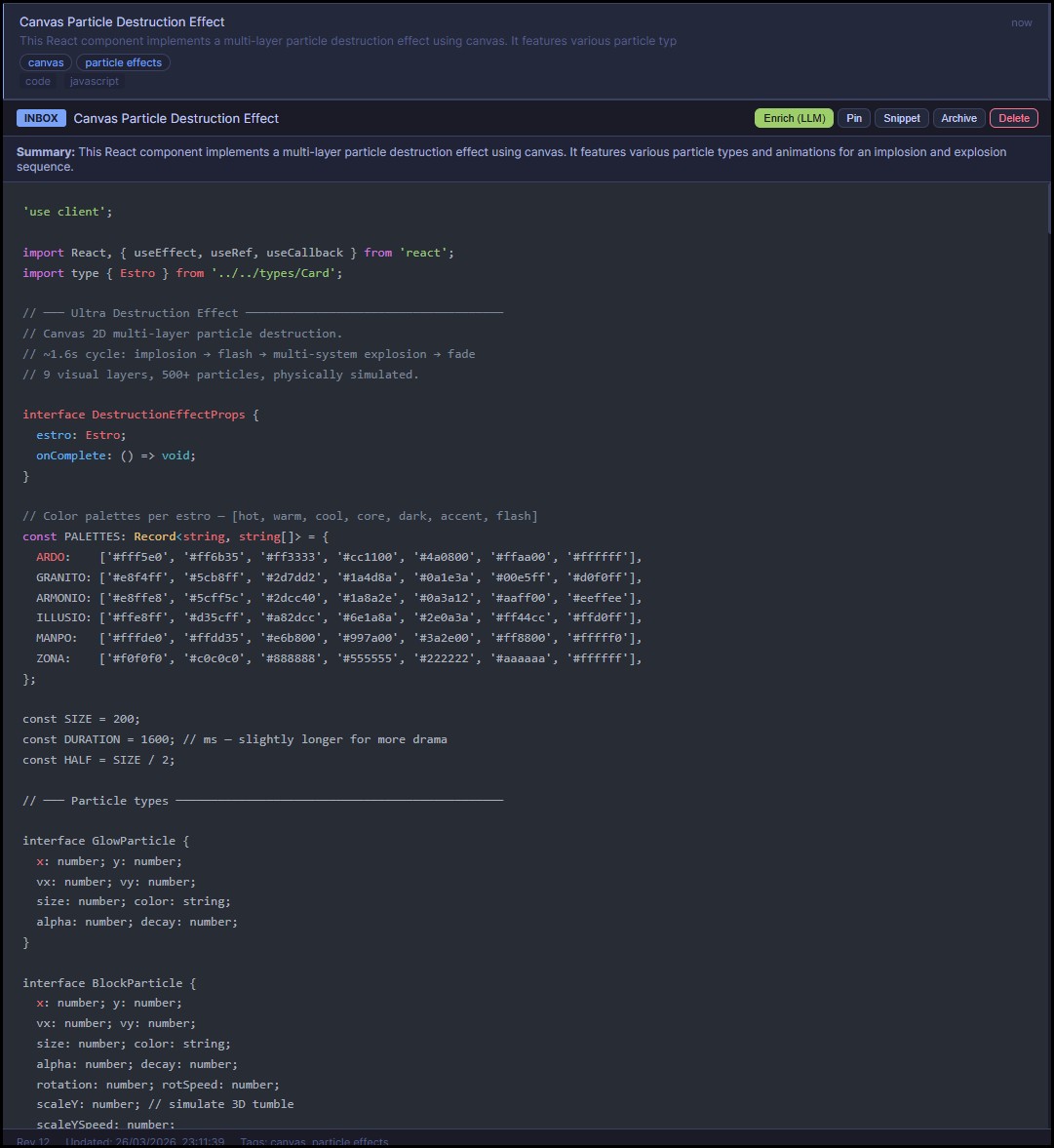
You launch Claude Agent on a task. It works autonomously in a terminal tab while you keep writing notes in another. When it finishes, the context is already connected.
Commands you run every week but can never remember. Config snippets. Deployment steps. They live in your workspace, tagged and searchable, not buried in a .txt file.
Features
How it keeps your context alive
Every feature exists to reduce context loss. Nothing here is decorative.
Your terminal and your notes in the same window. Split panes, run parallel tasks. No more switching between apps to check what you wrote while debugging.
Close the app with 8 tabs open. Reopen it tomorrow. Everything is exactly where you left it: tabs, splits, directories, colors, groups. Zero daily rebuilding.
Assign colors to terminal tabs so you can find the right session instantly. When you have 10+ tabs open, this saves real time every day.
Group tabs by project. Switch between projects with one click. The tabs you are not using stay alive in the background, ready to resume.
Save a note and the AI does the rest: title, type detection, language, up to 5 tags, summary, project assignment, and relationships with other notes. Your memory organizes itself.
Describe a task, press Enter. Claude Code works autonomously in a terminal tab while you keep writing notes in another. Context stays connected.
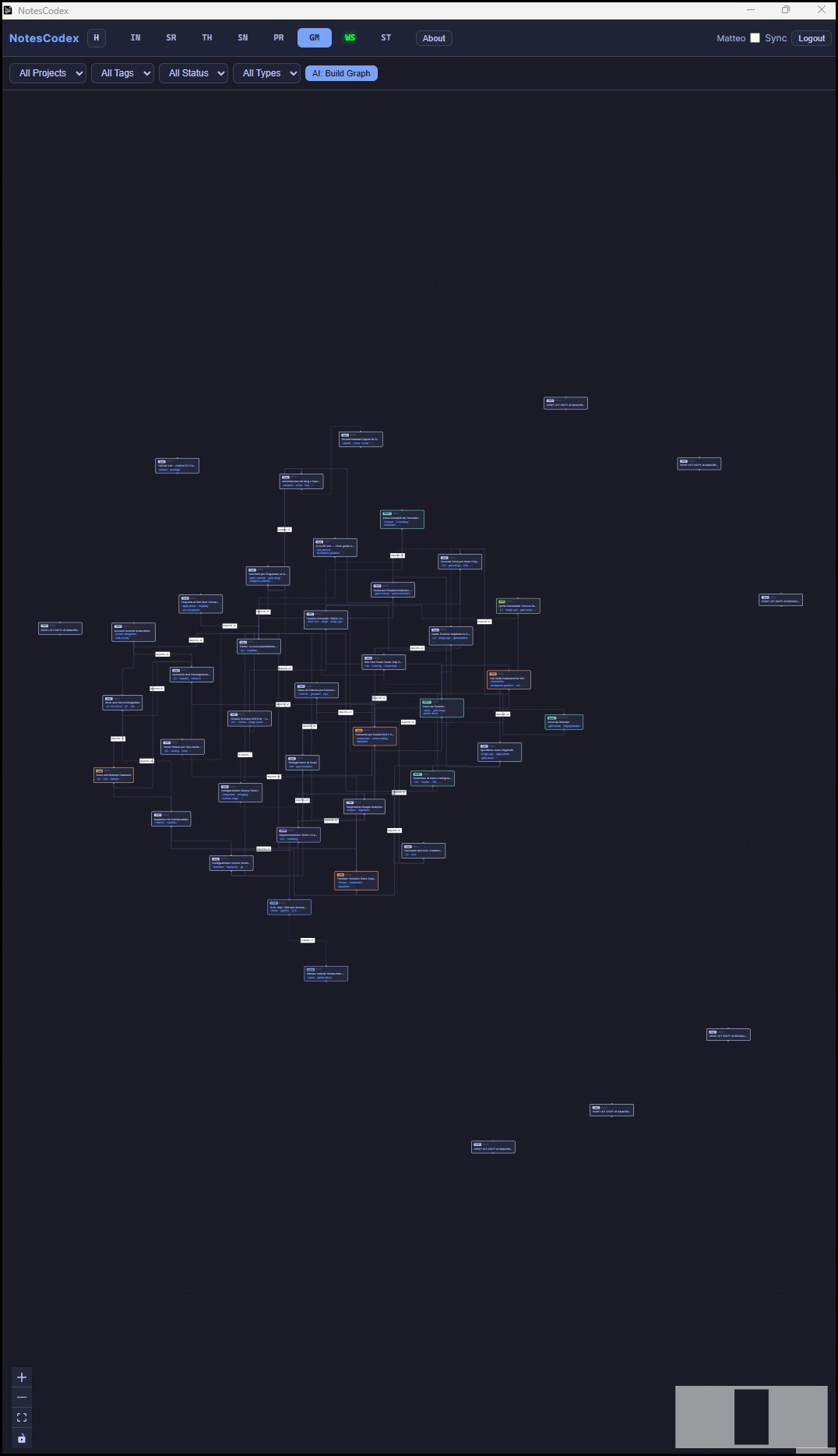
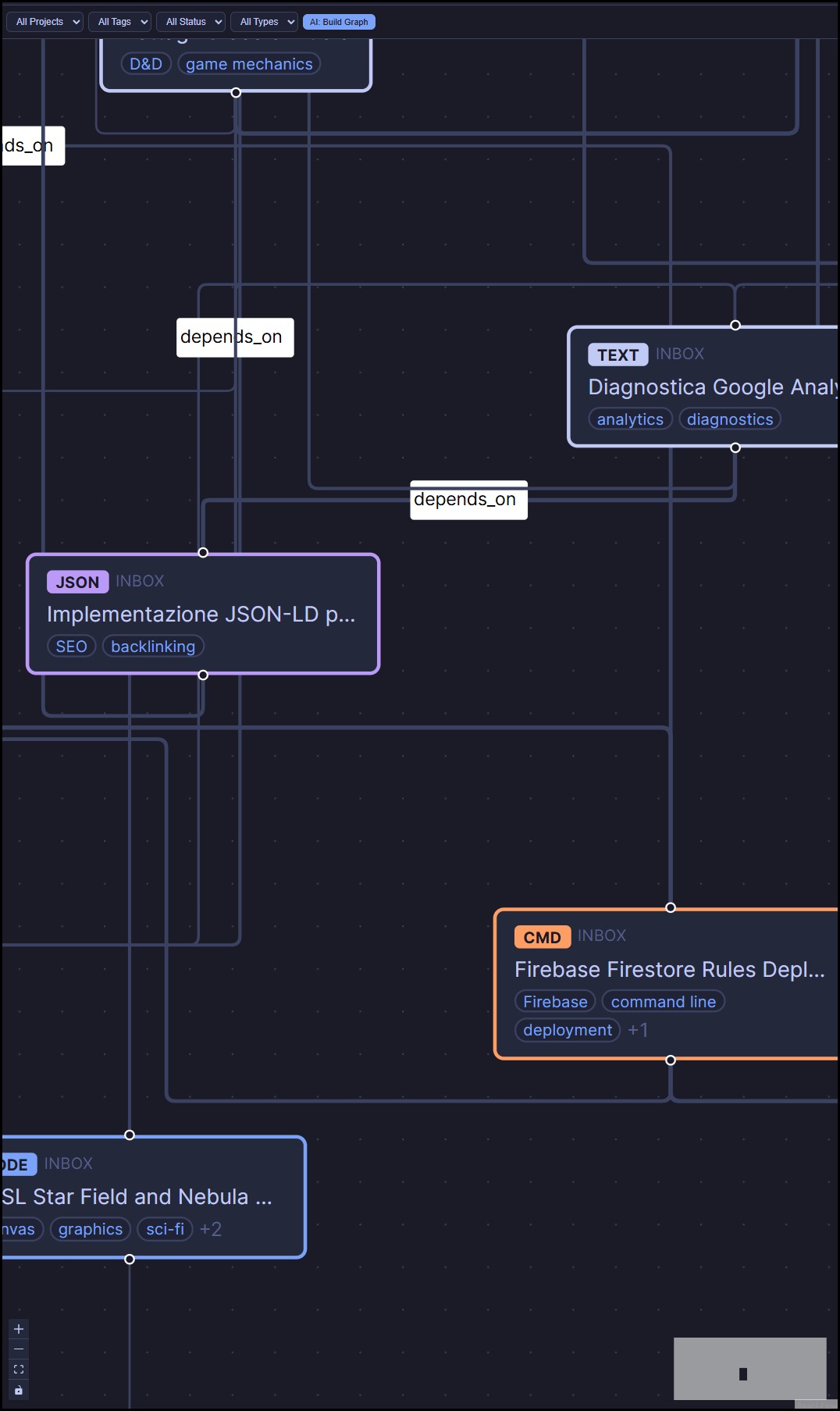
The AI links your notes automatically: related topics, dependencies, contradictions. Instead of searching, you navigate your technical memory visually.
See branch, staged files, diff stats, and last 10 commits in a sidebar. It follows the active tab, so the git context updates as you switch projects.
Promote any note to a snippet. Commands, code blocks, configs you reuse often get a dedicated view. One click to copy. Your operational cookbook.
Search by status, project, type, language, or tag. Or ask in natural language and the AI finds the most relevant note and generates a consolidated answer from your workspace.
One click switches between horizontal and vertical layouts. Portrait monitor? The whole interface rearranges. Your workspace adapts to your setup.
All data in local SQLite. Cloud sync via your own Firebase is optional. 15MB installer, no dependencies, no account. Your technical context never leaves your machine.
No subscription. One purchase, lifetime license, all updates included. Built with Tauri v2 and Rust. The workspace is yours.

How it works
Up and running in 60 seconds
No accounts, no configuration, no onboarding wizard.
Download the installer, run it. That's it. No account creation, no email verification.
Drop notes, code snippets, commands, logs. The AI classifies and tags everything automatically.
Open the terminal, split panes, run builds. Launch Claude Agent for autonomous tasks. Your notes and terminal in one window.
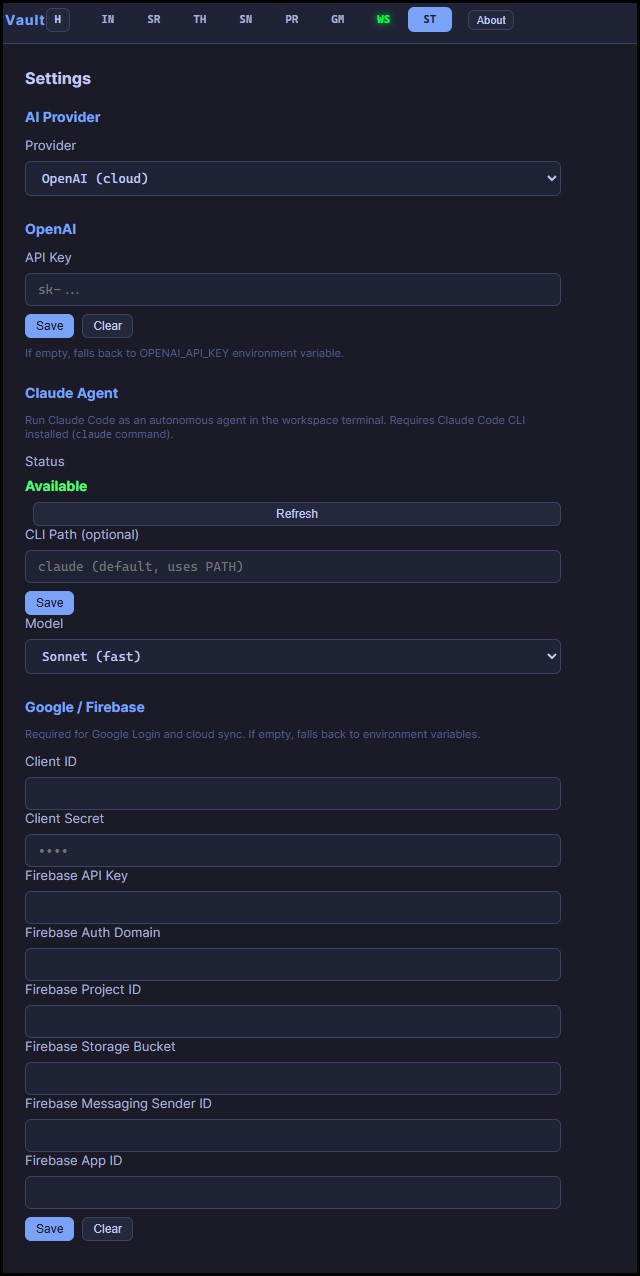
Configure AI provider, Claude Agent, and cloud sync - all optional.
Who is it for
Built for people who build things
NotesCodex sits where your notes meet your terminal. If any of these sound like you, it was made for your workflow.
You build with AI - describe what you want, let the agent write the code. NotesCodex is where it all happens: AI agent in the terminal, notes auto-organized, everything connected in a knowledge graph.
You write code, debug, deploy, and document - often at the same time. You need your terminal, your notes, and your AI in one window instead of alt-tabbing between 5 apps.
You run commands all day and forget which fix worked last Tuesday. NotesCodex captures your commands, tags them automatically, and lets you search them by what they do.
Architecture decisions, meeting notes, code reviews, snippets. Everything documented and connected in a knowledge graph you can actually navigate.
Multiple projects, multiple clients, zero time to organize. The AI handles tagging and project assignment. You search "that nginx fix for client X" and actually find it.
Your notes contain credentials, internal URLs, proprietary code. NotesCodex runs 100% on your machine - including the AI. No cloud required.
For reference
Not a notes app. A workspace.
NotesCodex is not competing with note-taking tools. But if you need a quick reference, here is how it stacks up.
| Feature | NotesCodex | Obsidian | Notion |
|---|---|---|---|
| Integrated terminal | Split panes | No | No |
| Terminal session persistence | Tabs, splits, paths | No terminal | No terminal |
| Tab colors & groups | Built-in | No | No |
| AI auto-classification | Built-in | Plugin | Built-in (paid) |
| Local AI (no cloud) | Built-in | Plugin | No |
| Terminal AI agent | Claude Code | No | No terminal |
| Knowledge graph | Auto-edges | Manual | No |
| Git panel | Built-in | Plugin | No |
| Snippets | Built-in | No | No |
| AI search | Built-in | Plugin | Built-in (paid) |
| Monitor layouts | One-click switch | No | No |
| Data ownership | 100% local | Local files | Cloud + offline |
| Pricing | €29 once | Free + $4/mo sync | $10/mo |
Integrated terminal
Terminal session persistence
Tab colors & groups
AI auto-classification
Local AI (no cloud)
Terminal AI agent
Knowledge graph
Git panel
Snippets
AI search
Monitor layouts
Data ownership
Pricing
Pricing
Simple, honest pricing
No tiers. No upsells. No "contact sales".
€29
One-time payment - lifetime license
- All features included
- All future updates
- Windows + macOS
- Local AI included - no extra cost
- Cloud sync - your infrastructure, free
- No data collection, no telemetry
Windows users: the installer is not code-signed yet, so Windows SmartScreen may show a warning. Click "More info" → "Run anyway" to proceed.
Honest take
NotesCodex is not for everyone
And that's fine. Here's how to tell if it fits your workflow.
- You take notes fast and organize later
- You work in the terminal daily
- You want AI to connect your notes, not just store them
- You care about owning your data
- You're tired of paying monthly for tools you barely use
- You prefer visual, drag-and-drop note editors like Notion
- You need real-time collaboration with a team
- You never use a terminal
- You want a polished, consumer-grade experience - this is a power tool